
Dual Mode ENET WiFi + Type-C Adapter for BMW F/G/I Series & Toyota Supra
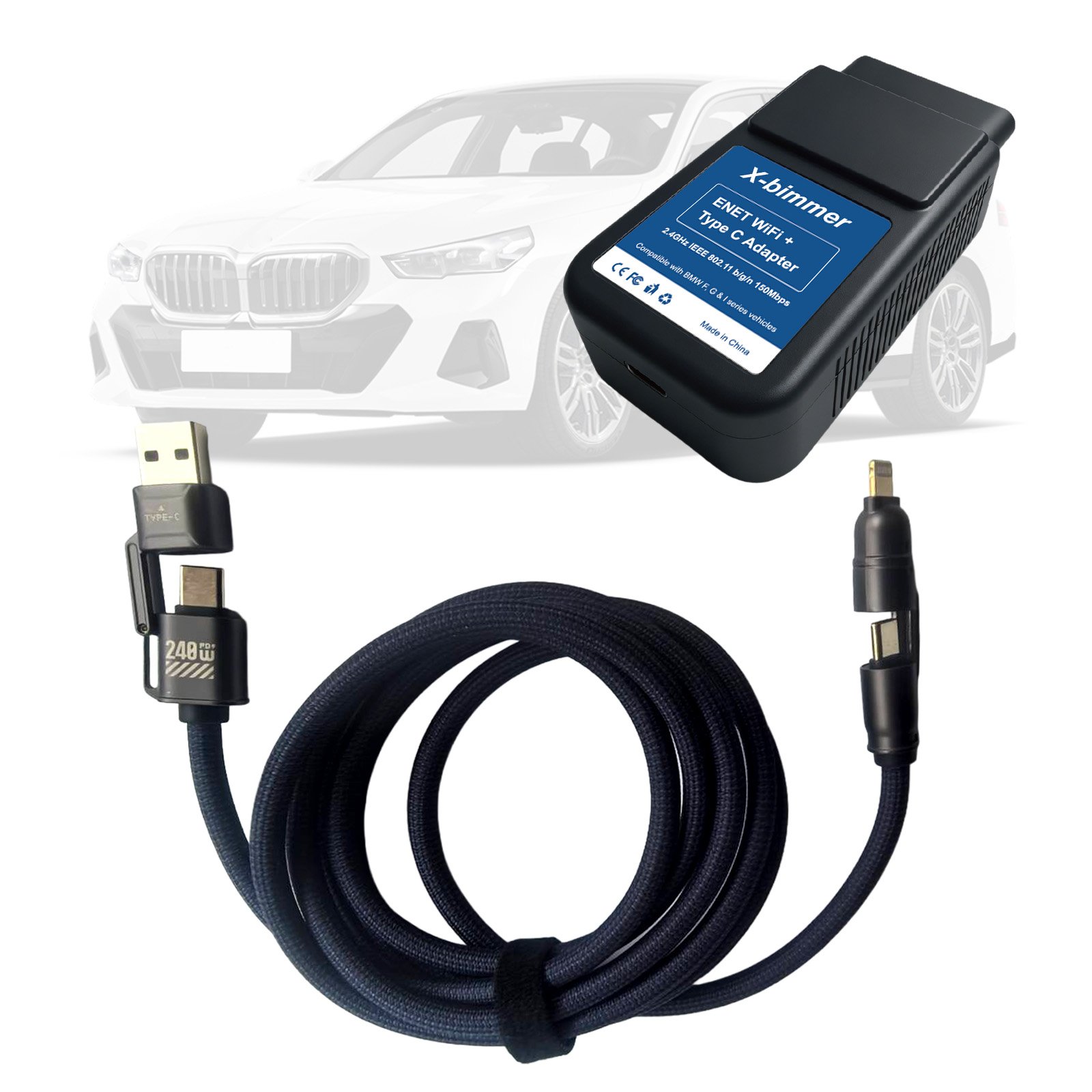
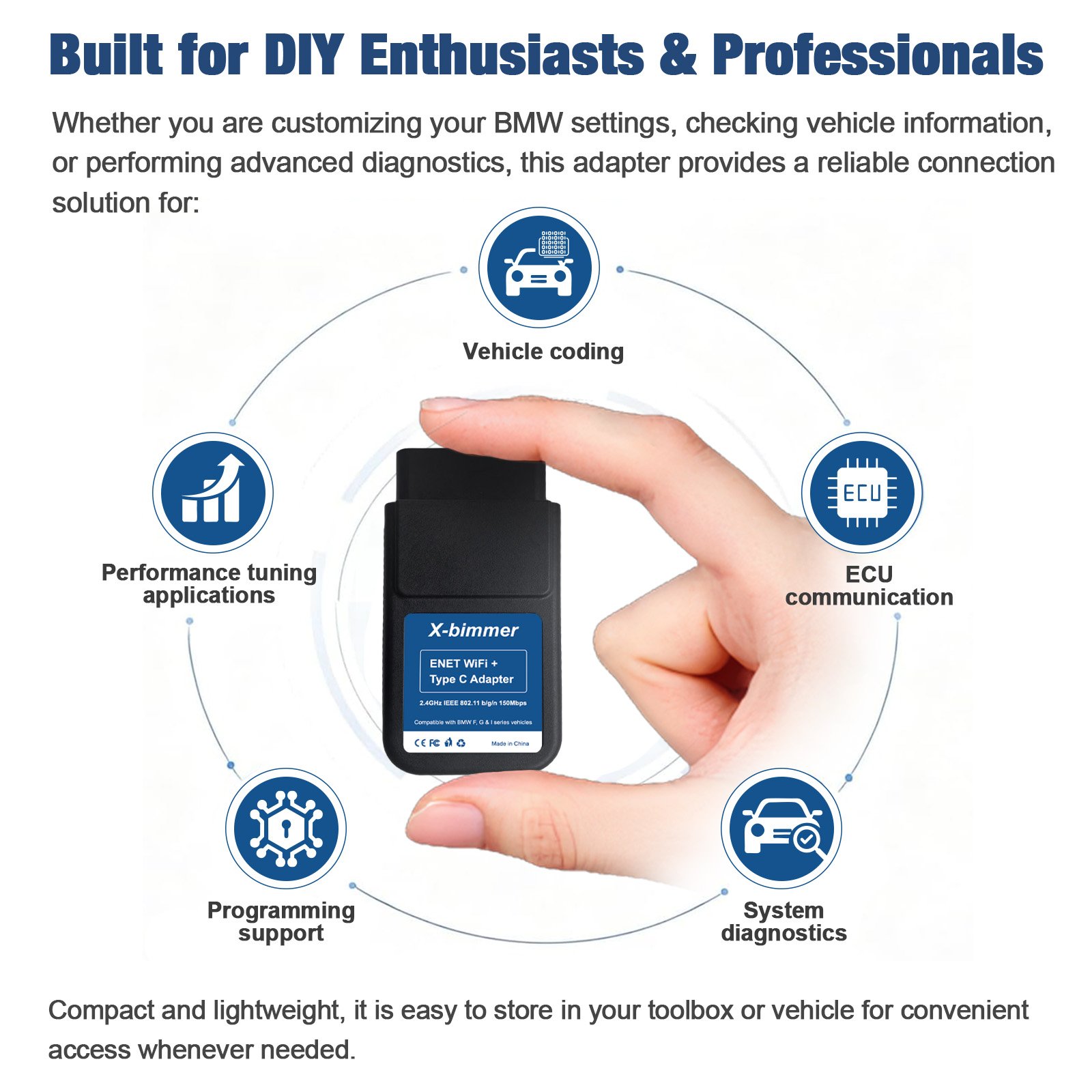
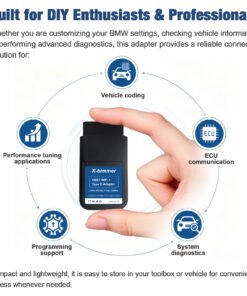
The X-Bimmer ENET WiFi + Type-C Adapter offers ultimate convenience and performance for automotive DIY enthusiasts and professional technicians. Engineered with dual-interface capability, this versatile tool lets you choose between fast wireless WiFi freedom or ultra-stable wired Type-C data transfer for diagnostic routines, feature coding, and ECU tuning.
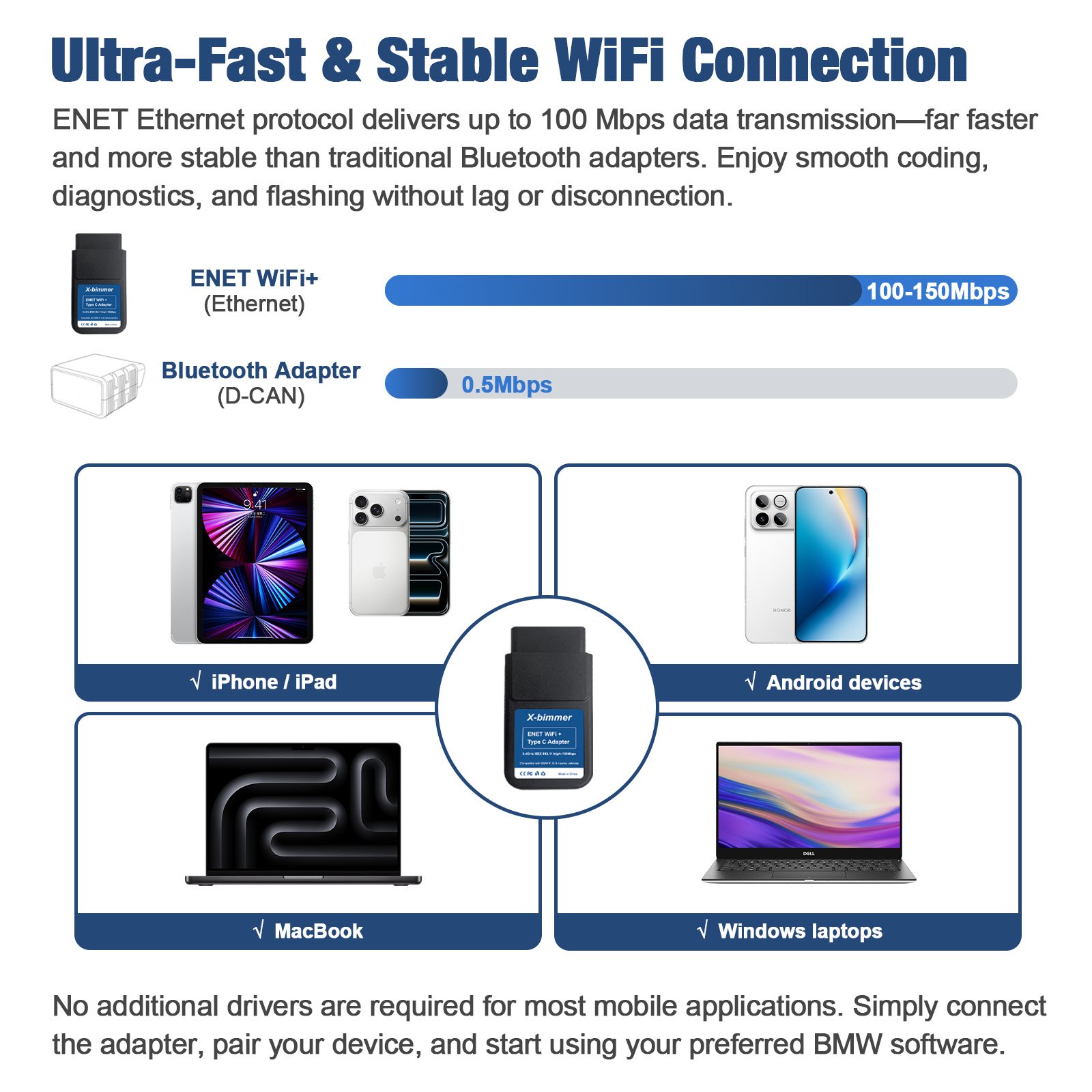
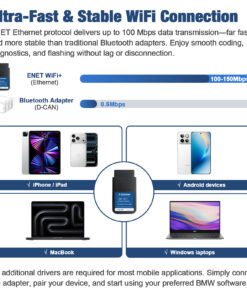
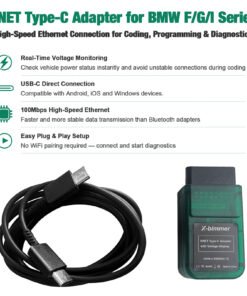
Utilizing high-speed ENET Ethernet protocols, this adapter achieves transmission rates between 100Mbps and 150Mbps. Say goodbye to slow Bluetooth transfer rates and connection dropouts while tweaking vehicle options or flashing performance maps on mobile devices or laptops.
Dual Mode ENET WiFi + Type-C OBD2 Diagnostic & Coding Adapter (Compatible with BMW F/G/I Series & Toyota Supra)
Product Brief Summary
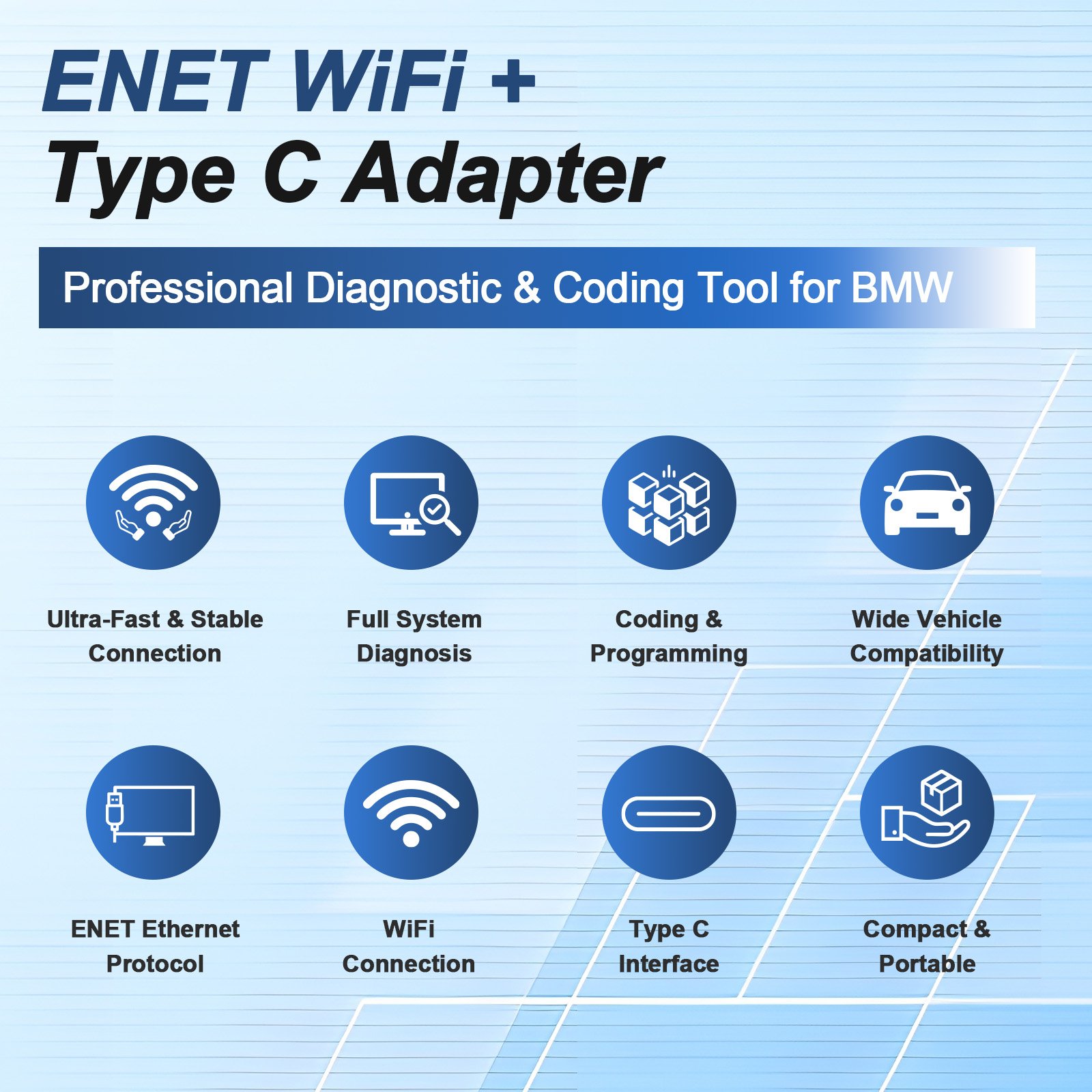
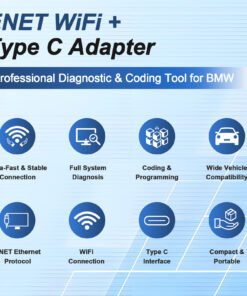
Dual Connection Versatility: Wireless 150Mbps WiFi & Direct Wired USB Type-C in One Compact Tool.
- Dual Mode Connection: Switch effortlessly between 2.4GHz IEEE 802.11 b/g/n high-speed wireless WiFi and direct USB Type-C cable connection.
- Ultra-Fast 100–150Mbps Transmission: Powered by ENET Ethernet protocol, delivering up to 300x faster speeds than legacy Bluetooth adapters (0.5 Mbps).
- Broad Vehicle & Platform Support: Designed for F-Series, G-Series, I-Series vehicles, and Toyota Supra A90/A91 across iOS, Android, macOS, and Windows.
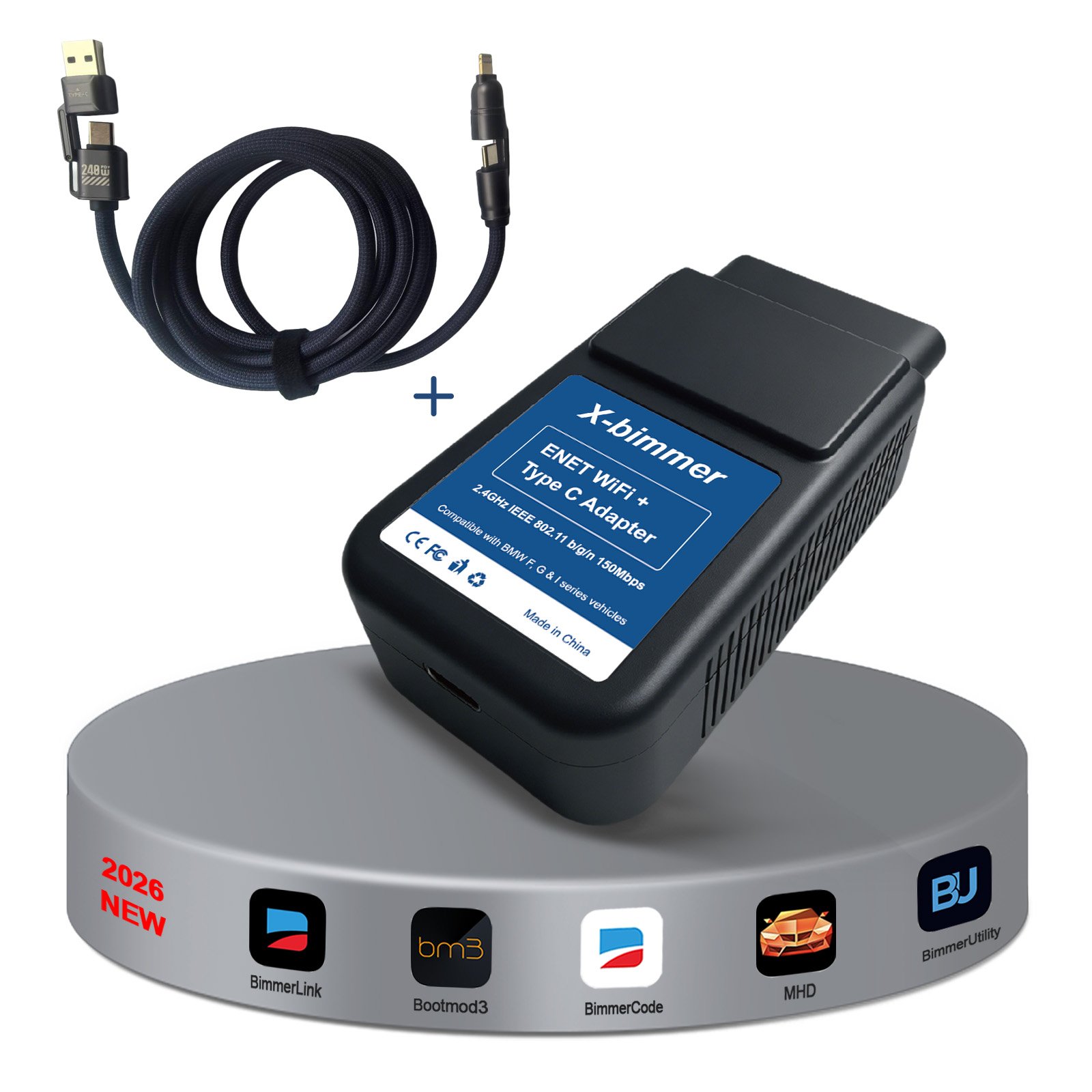
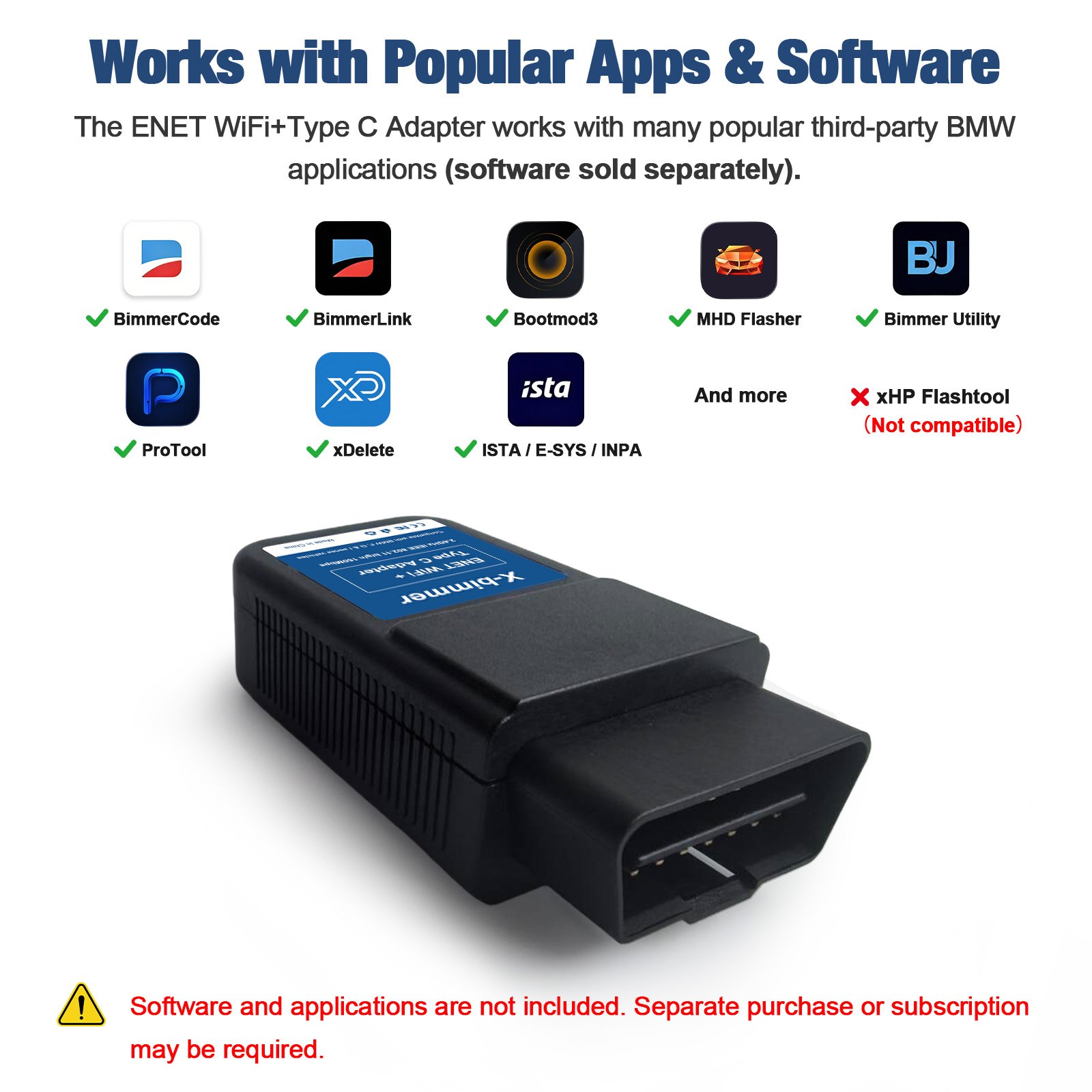
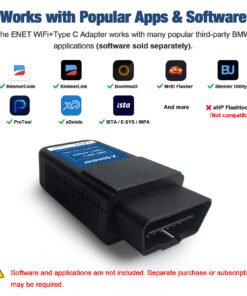
- Comprehensive App Compatibility: Works seamlessly with BimmerCode, BimmerLink, Bootmod3, MHD Flasher, ProTool, xDelete, BimmerUtility, and ISTA/E-SYS.
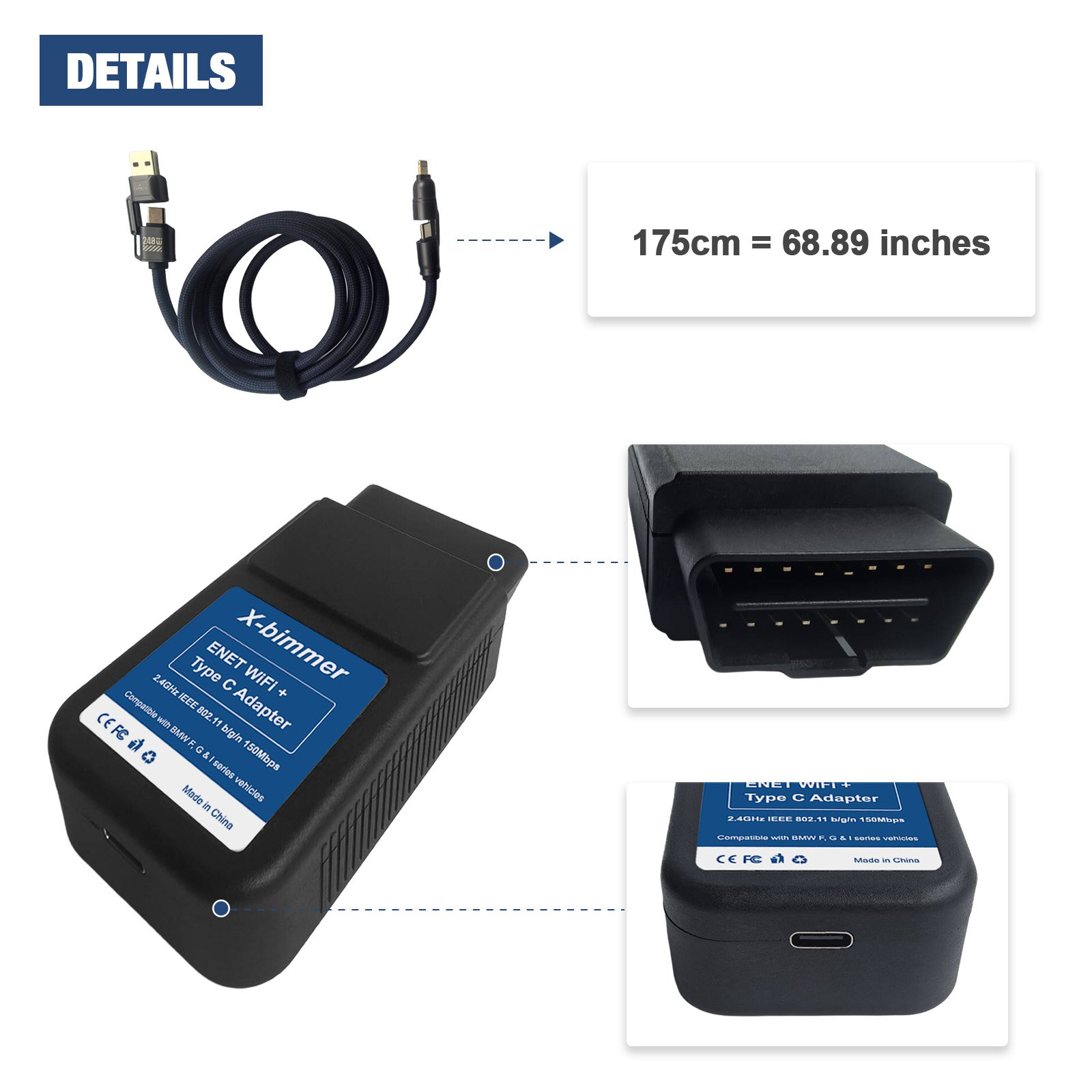
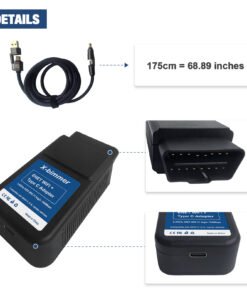
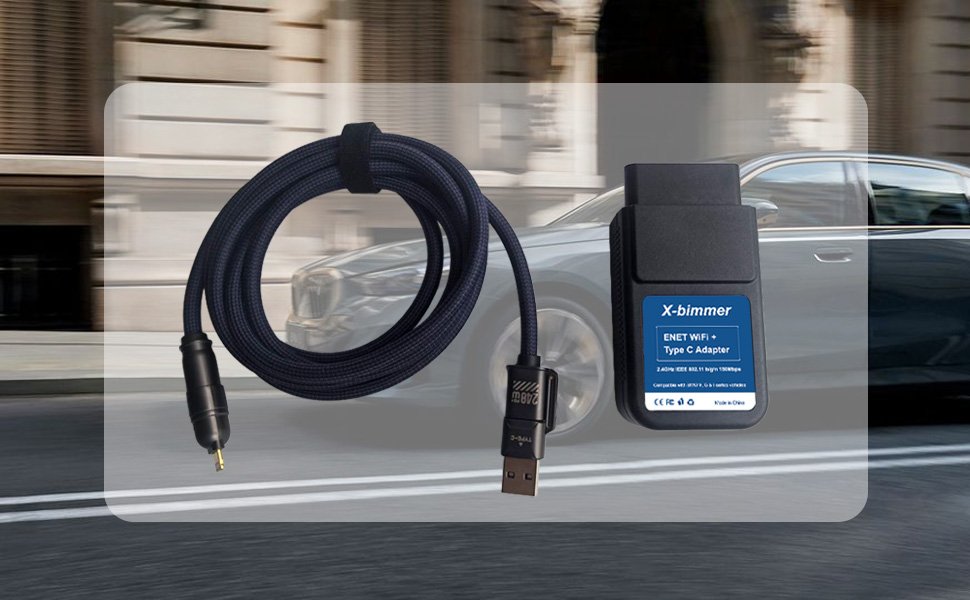
- Heavy-Duty Nylon Cable Included: Comes with a premium 175cm (68.89 in) multi-connector braided cable (USB-A / USB-C to Type-C / Lightning) supporting up to 240W PD charging capability.
Product Overview
The X-Bimmer ENET WiFi + Type-C Adapter offers ultimate convenience and performance for automotive DIY enthusiasts and professional technicians. Engineered with dual-interface capability, this versatile tool lets you choose between fast wireless WiFi freedom or ultra-stable wired Type-C data transfer for diagnostic routines, feature coding, and ECU tuning.
Utilizing high-speed ENET Ethernet protocols, this adapter achieves transmission rates between 100Mbps and 150Mbps. Say goodbye to slow Bluetooth transfer rates and connection dropouts while tweaking vehicle options or flashing performance maps on mobile devices or laptops.
Key Features & Advantages
1. Flexible Dual Mode Working Environment
Use 2.4GHz wireless WiFi for wire-free diagnostics around the vehicle, or plug in the included USB Type-C cable for critical ECU flashing and coding sessions where a physical connection is preferred.
2. High-Speed Performance (100-150 Mbps)
Operating on IEEE 802.11 b/g/n protocols, data travels at speeds vastly superior to standard Bluetooth D-CAN adapters. Enjoy quick sensor logging, rapid error code clearing, and reduced map flashing times.
3. Multi-Function 175cm Heavy-Duty Braided Cable
Included with the adapter is a generous 175cm (68.89 inches) braided cable featuring versatile flip-up adapters (USB-A / USB-C to Type-C / Lightning). Designed for durability, high-speed data transfer, and power delivery (up to 240W PD).
4. Multi-Platform Support
No extra driver installation required for most mobile devices. Plug, pair via WiFi or attach the cable, and launch your preferred software on iPhone/iPad, Android smartphones, MacBook, or Windows PC.
Transmission Protocol Comparison
| Feature | ENET WiFi + Type-C Adapter | Standard Bluetooth Adapter (D-CAN) |
|---|---|---|
| Data Transmission Rate | 100 – 150 Mbps | ~0.5 Mbps |
| Connection Options | Dual (Wireless WiFi + Wired USB-C) | Wireless Bluetooth Only |
| Cross-Platform Compatibility | iOS, Android, macOS, Windows | Limited Platform Support |
| Flashing Stability | High (Ultra-low Latency) | Moderate / Latency Prone |
Vehicle Compatibility
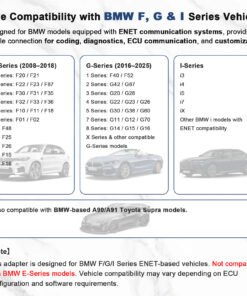
Specifically tailored for vehicles equipped with ENET communication architectures:
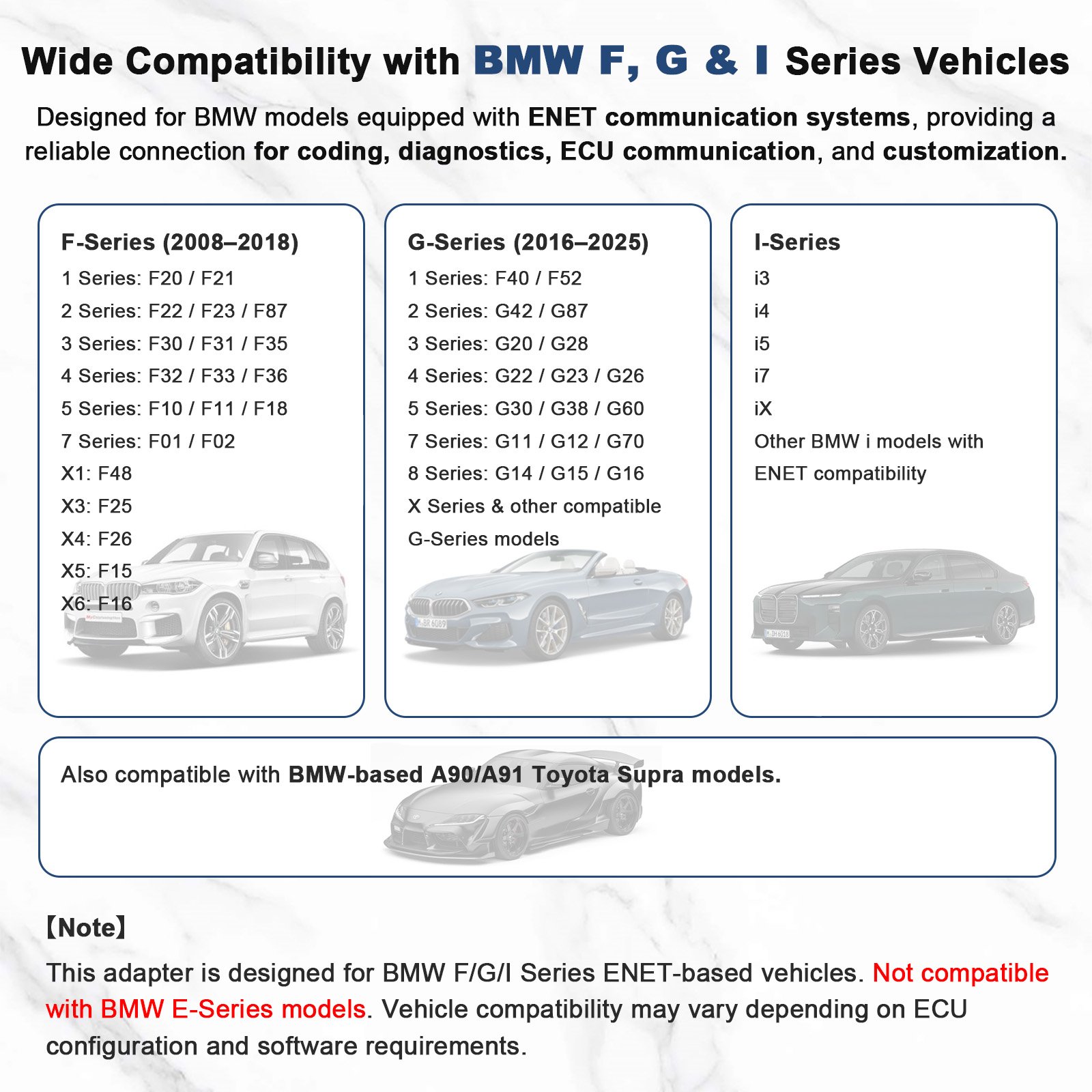
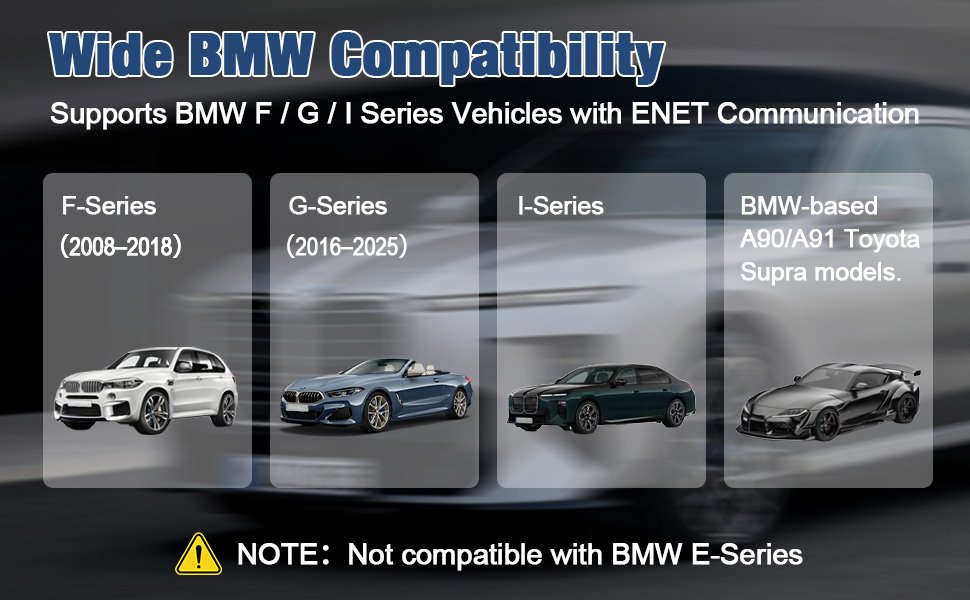
- F-Series (2008–2018): F20/F21, F22/F23/F87, F30/F31/F35, F32/F33/F36, F10/F11/F18, F01/F02, F48 (X1), F25 (X3), F26 (X4), F15 (X5), F16 (X6).
- G-Series (2016–2025): F40/F52, G42/G87, G20/G28, G22/G23/G26, G30/G38/G60, G11/G12/G70, G14/G15/G16, G-Series X-Models, and related chassis.
- I-Series: Electric and hybrid platforms including i3, i4, i5, i7, iX, and other ENET-compatible i-models.
- Other Supported Models: Compatible with BMW-based Toyota Supra A90 / A91 models.
⚠️ Compatibility Note: Designed exclusively for ENET-based vehicles. Not compatible with older E-Series models.
Supported Software & Applications
This hardware interface works with leading mobile apps and desktop diagnostic tools (software purchased/subscribed separately):
- Supported Apps: BimmerCode, BimmerLink, Bootmod3 (bm3), MHD Flasher, ProTool, xDelete, BimmerUtility, ISTA / E-SYS / INPA.
- Incompatible App: xHP Flashtool is NOT supported.
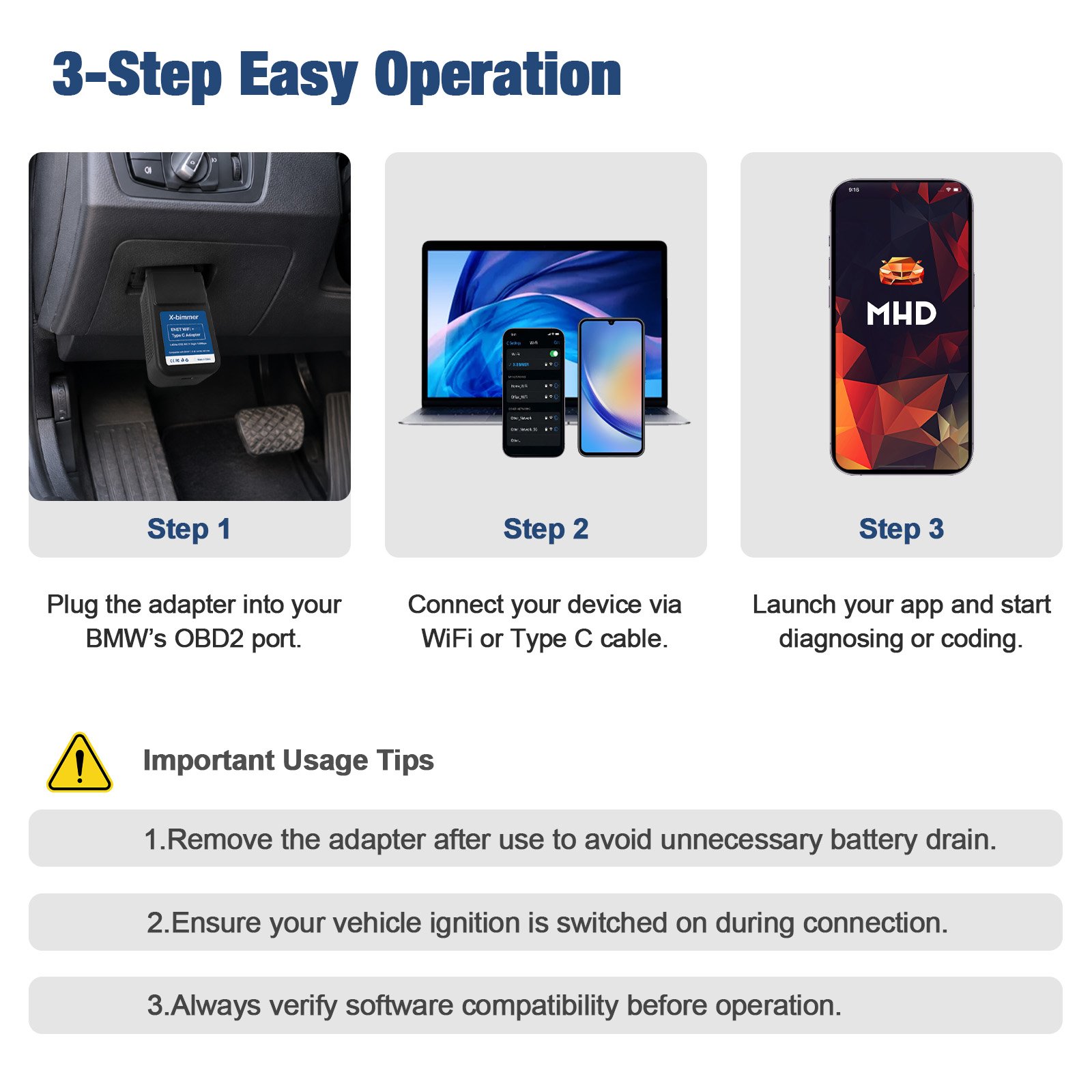
3-Step Quick Operation Guide
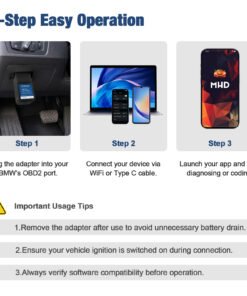
- Step 1: Plug the adapter securely into your vehicle’s 16-pin OBD2 port.
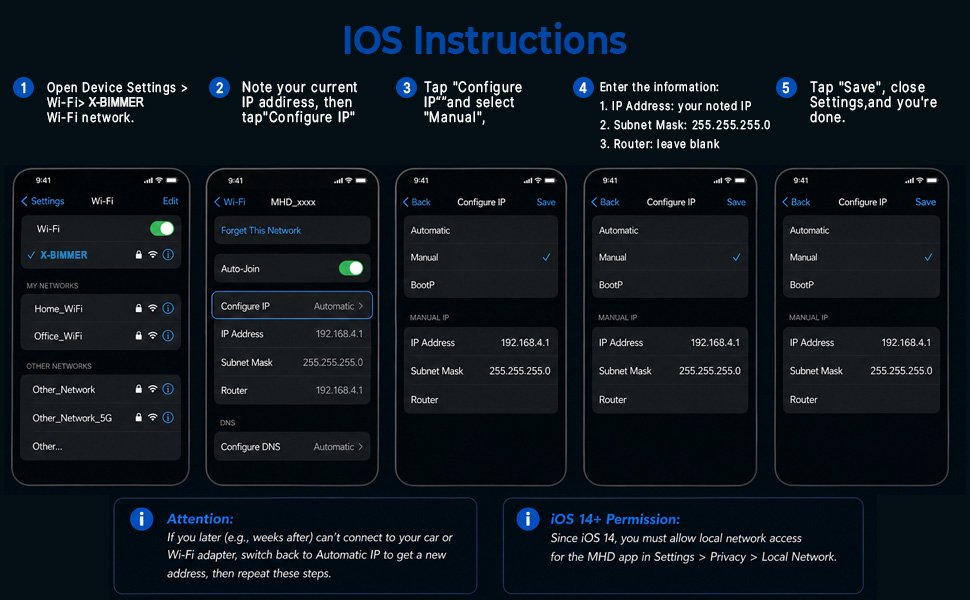
- Step 2: Connect your device via 2.4GHz WiFi network or attach using the Type-C cable.
- Step 3: Open your preferred diagnostic or tuning application and initiate vehicle communication.
Important Usage Tips:
- Always switch on vehicle ignition during diagnosis or coding.
- Remove the adapter from the OBD2 port after use to prevent battery consumption.
- Verify software app requirement details prior to performing coding tasks.
Package Content
- 1 x ENET WiFi + Type-C Dual-Mode OBD2 Adapter
- 1 x Multi-Connector 175cm Braided Data Cable (USB-A / Type-C to Type-C / Lightning)
Disclaimer: This item contains the hardware adapter and connecting cable only. Software applications are sold separately by their respective developers. Brand names, series, and chassis codes are referenced strictly for vehicle compatibility identification.
Be the first to review “Dual Mode ENET WiFi + Type-C Adapter for BMW F/G/I Series & Toyota Supra”
Related products
Reviews
There are no reviews yet.