Lost your Bootmod3 WiFi password? Here's how to recover it, reset it, and keep your connection secure.
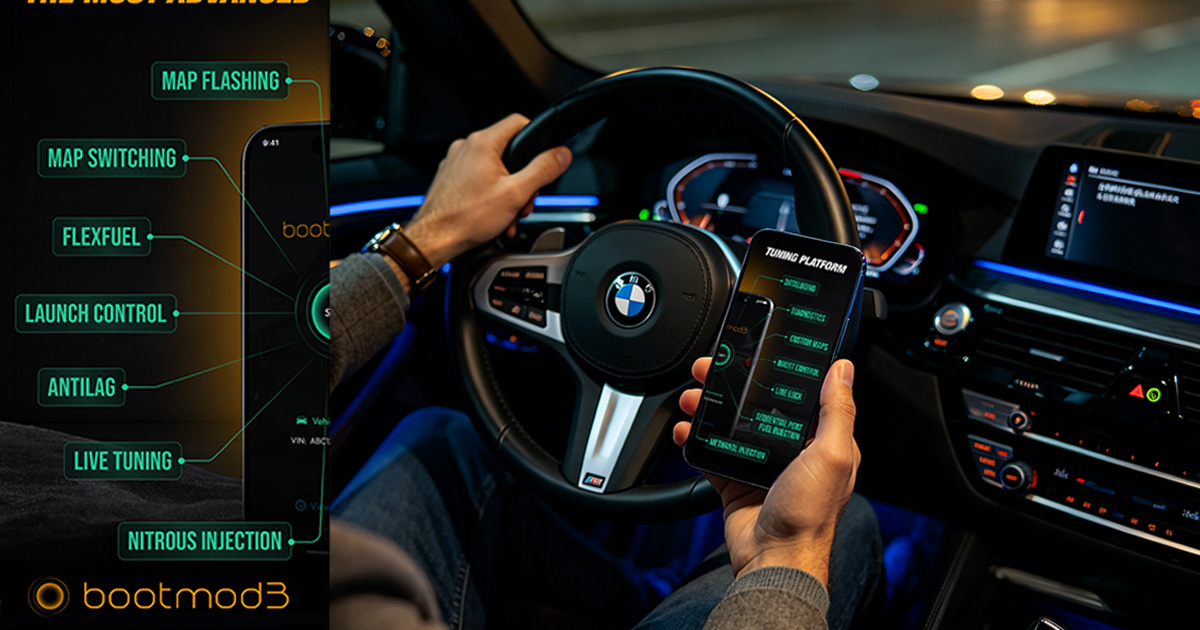
Bootmod3 uses a WiFi connection to communicate with your BMW's ECU for flashing maps, data logging, and monitoring. If you've lost your WiFi password or are having trouble connecting, this guide will walk you through finding, resetting, and securing your password.
When you first set up Bootmod3, the app creates a WiFi network for your ENET adapter. The default password is typically:
If you cannot find the password in any of these locations, follow the reset steps below.
If you cannot access the app or web interface, perform a factory reset:
Bootmod3 creates a direct peer-to-peer WiFi network between your mobile device and the ENET adapter. Unlike home WiFi, there is no internet gateway. The adapter acts as an access point (AP) with a static IP of 192.168.4.1, while your phone receives a DHCP address in the 192.168.4.0/24 range. This isolated network prevents external attacks but also means you lose internet connectivity while connected. If you need to download a new map, disconnect from the adapter, download over cellular, then reconnect to flash.
The Bootmod3 app uses TCP port 50160 for command traffic and port 50161 for data logging. Some Android skins (MIUI, ColorOS) aggressively kill background sockets to save battery. If you experience random disconnections during a 15-minute flash, disable battery optimization for the Bootmod3 app in your phone settings.
X-Bimmer adapters ship with a unique 8-character alphanumeric password printed on the label. This is more secure than generic passwords like "12345678" used by low-cost clones. If you purchase a clone adapter from a marketplace, we strongly recommend changing the default password immediately to prevent unauthorized access in public parking areas.
Once you've recovered or reset your password, follow these security best practices:
"Cannot connect to network" — Ensure the adapter is powered on (LED solid). Check that you're selecting the correct network name.
"Password incorrect" — Double-check the password entry. Passwords are case-sensitive. Try resetting if unsure.
"Connected but no internet" — This is normal. The ENET adapter does not provide internet access. It only creates a local network for vehicle communication.
"Connection drops during flash" — Ensure the adapter is firmly seated in the OBD port. Avoid moving the device during flashing. Keep the battery above 12.5V.
Flash failures are rare but stressful. Here is our systematic recovery protocol:
If the ECU enters a no-start state (extremely rare), contact our emergency support line. We can guide you through a forced recovery flash using ISTA-P.
Your BMW's internal network is only as secure as the weakest link. Follow these practices to prevent unauthorized access:
Remember that the ENET network gives direct access to your vehicle's ECU, ABS, and airbag modules. Treat it with the same caution you would give your online banking credentials.
Here is a quick-reference table for common tasks when managing your Bootmod3 WiFi connection:
| Task | Method |
|---|---|
| Find default password | Check adapter sticker or order email |
| Reset WiFi password | Bootmod3 app > Settings > Connection > Reset |
| Factory reset adapter | Unplug for 60 seconds, then reconnect |
| Change SSID name | Web interface at 192.168.4.1 > WiFi Settings |
| Check firmware version | Web interface > System > About |
If you have tried every step in this guide and still cannot connect, our support team is available 7 days a week. We can walk you through adapter diagnostics, password recovery, and app configuration via WhatsApp or TeamViewer. Every X-Bimmer adapter includes lifetime technical support — we are here to make sure your tuning experience is seamless.
The Bootmod3 app stores your flash history in the cloud, including map names, dates, and device IDs. This audit trail is useful if you ever need to prove that your vehicle was tuned on a specific date, such as for insurance claims or warranty disputes. Keep your app login credentials secure, as this data is tied to your account and cannot be recovered if you lose access.
Explore our Performance Tuning services, learn how to use your ENET adapter, or browse the FAQ for quick answers.
Contact us for a free consultation. We typically reply within 24 hours.
Powered by Fluent Forms. We typically respond within 24 hours.