Learn how to activate hidden features and customize your BMW with BimmerCode and E-SYS.
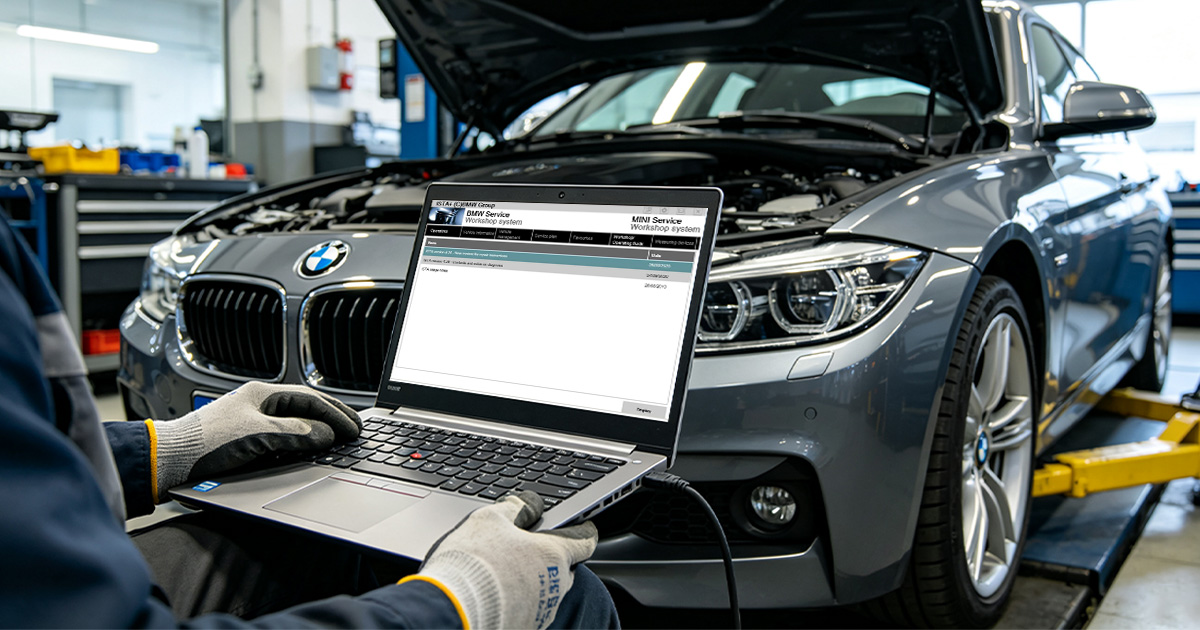
BMW coding is one of the most rewarding modifications you can make to your vehicle. Unlike physical upgrades, coding unlocks features that your BMW already has — hidden in the software. This guide will take you from complete beginner to confident coder in under an hour.
BMW stores vehicle configuration in a central dataset called the FA (Fahrzeugaufstellung) or Vehicle Order. This FA is written to multiple modules, including the FEM/BDC and the DME. When you code a feature, you are not modifying the software itself; you are telling the module to activate a function that is already present in the firmware but disabled by the factory.
For example, the "Video in Motion" feature exists in the HU-H head unit of every F-Series with the Professional navigation system. The module checks a single bit in the CIC/ NBT coding. Changing that bit from 0 to 1 enables the feature. Because the firmware is unchanged, there is no risk of bricking the module — provided you write a valid configuration.
Each control module has a hexadecimal address:
0x00 – ZGM (Central Gateway)0x10 – DME (Engine ECU)0x28 – EGS (Transmission)0x40 – FEM (Front Electronic Module)0x60 – ICM (Integrated Chassis Management)BimmerCode abstracts these addresses into a friendly menu. E-SYS exposes them directly, which is why it is more powerful but also more dangerous if you write random values.
Coding is the process of changing software settings in your BMW's control modules. Unlike tuning (which changes engine maps), coding only modifies configuration settings — things like enabling digital speedometer, folding mirrors on lock, or activating Apple CarPlay.
It's safe, reversible, and opens up a world of customization that most BMW owners never know exists.
BimmerCode is the best app for beginners. It's available on iOS and Android, has a clean interface, and supports the most popular features.
Download BimmerCode from the App Store or Google Play. The app costs around $30 — a one-time purchase with no subscription.
Plug your ENET adapter into the OBD port, connect your phone to the adapter's WiFi network, and open BimmerCode. The app should automatically detect your vehicle.
Browse the available features for your vehicle. Popular options include:
Toggle the feature you want, then tap the "Code" button. The app will write the new settings to the control module. This takes 30-60 seconds.
Check that the feature works as expected. If something isn't right, you can always revert to the original settings using the backup that BimmerCode creates automatically.
For more advanced features, E-SYS is the professional tool. It requires a Windows laptop and has a steeper learning curve, but offers access to every setting in every module.
We recommend starting with BimmerCode and moving to E-SYS once you're comfortable with the basics. Our EsysPlus package includes pre-configured profiles that make E-SYS much easier for beginners.
These are the safest and most popular features for beginners:
After coding more than 2,000 BMWs, our lead technician shares the habits that separate safe coders from those who visit the dealer with a CEL:
BimmerCode is ideal for single-feature changes on supported modules. E-SYS is required when:
Our Feature Activation service includes a pre-configured E-SYS profile for your VIN, eliminating the guesswork.
Professional BMW coders follow a strict sequence to minimize risk. Here is the protocol we use in our workshop:
For beginners, we recommend coding features in this order:
Following this order ensures that if a mistake occurs, it happens on a low-priority module first.
Even experienced coders make mistakes. The difference between a minor inconvenience and a dealership visit is having a reliable backup. BimmerCode automatically saves a backup of your module's original configuration before writing. You can restore it instantly by tapping "Restore" in the app.
For E-SYS users, backups are manual. Always save the following files before any write operation:
Store these files in a cloud folder named with your VIN and date. If a write corrupts the module, you can revert using the original trace file. In extreme cases where the module will not communicate, our remote technicians can recover it using ISTA-P emergency programming.
BMW coding is safer and easier than ever. With the right adapter, a charged battery, and this guide, you can unlock hidden features in under an hour. Order your ENET adapter today and join thousands of BMW owners who have already personalized their driving experience.
Ready to activate features? Visit our Feature Activation page. Need help connecting? See How to Use Your Adapter or check the FAQ.
Contact us for a free consultation. We typically reply within 24 hours.
Powered by Fluent Forms. We typically respond within 24 hours.